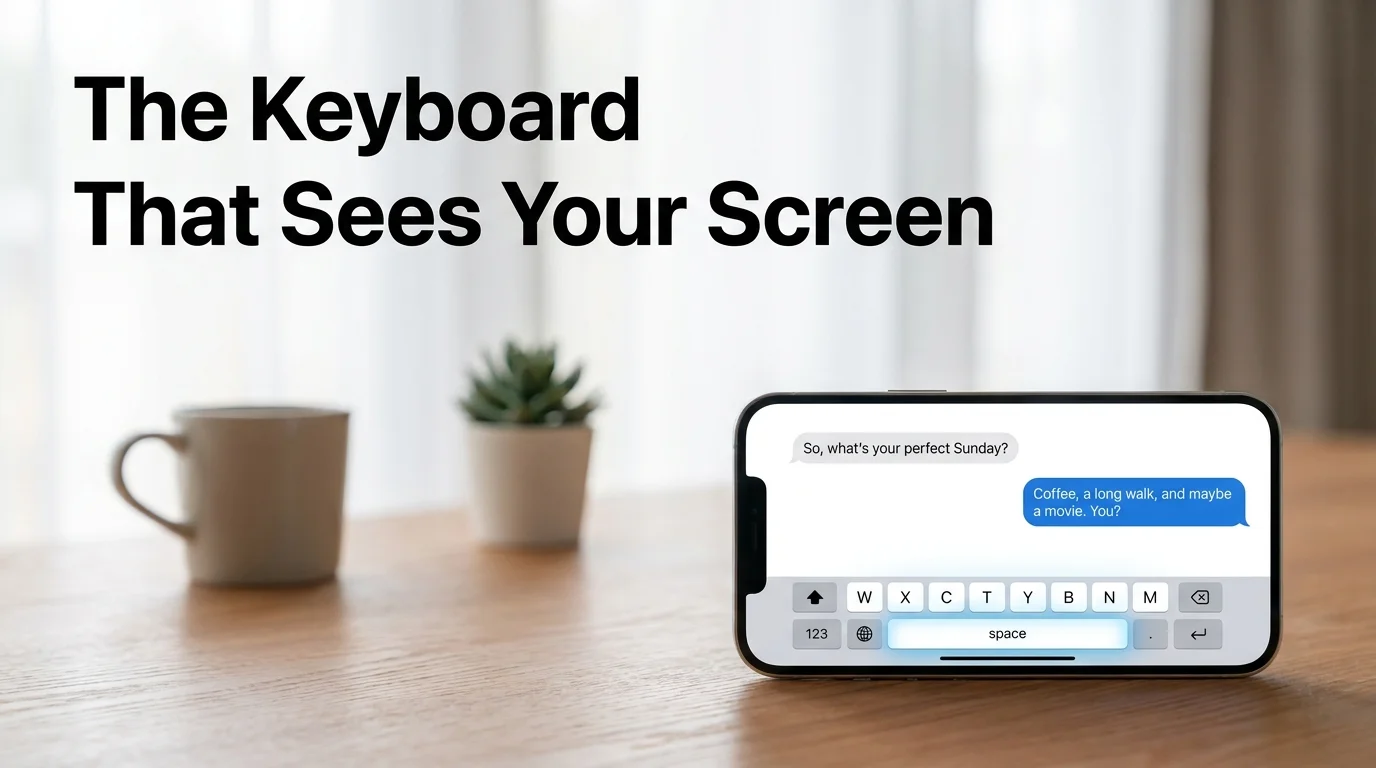
AI Keyboard That Reads Screen: How SLIDD Sees & Replies
AI Keyboard That Reads Screen: How SLIDD's Tech Works
She sends back "lol I bet you say that to all the girls" and the cursor just sits there blinking. Fifteen seconds pass, then thirty. An ai keyboard that reads screen content solves exactly this moment — it looks at what's actually on your display, understands the message you're replying to, and writes something back before the conversation goes cold.
Key Takeaways
- SLIDD reads your screen in real time using iOS screen broadcast technology (ReplayKit), so the keyboard sees exactly what message, profile, or story you're replying to — no screenshots, no app-switching, no copy-paste.
- Screenshot-based competitors force eight separate steps between seeing her message and sending a reply; SLIDD's one-tap approach eliminates all of them and keeps the conversation moving.
- Real-time processing means SLIDD reads the conversation stage, her tone, and even photo context — so replies feel specific to her message instead of generic.
- The same keyboard works in Hinge, Tinder, Bumble, Instagram, WhatsApp, iMessage, and Snapchat, because SLIDD is a system keyboard, not a dating-app-specific tool.
Contents
- What Does It Mean for an AI Keyboard That Reads Screen Content to Actually Work?
- How Does a Keyboard Actually See What's on Your Phone Display?
- Why Is Real-Time Screen Reading Better Than Taking Screenshots?
- Which Dating Apps and Messaging Services Work With an AI Keyboard That Reads Screen Content?
- How Does SLIDD Make This Possible?
- How Does SLIDD Keep Your Screen Data Private While Reading It?
- Can an AI Keyboard Really Generate a Perfect Reply From Just Looking at Your Screen?
- What Makes SLIDD's Screen-Reading Technology Different From Other Dating AI Apps?
- Get Started with SLIDD AI
- Frequently Asked Questions
What Does It Mean for an AI Keyboard That Reads Screen Content to Actually Work?
An AI keyboard that reads screen content is a keyboard extension that captures what's currently visible on your phone display — her message, her photo, her profile — and writes a reply based on that visual context, instead of asking you to describe or paste the conversation into a separate app.
Most "AI reply" tools ask you to do the seeing part yourself: screenshot the conversation, describe what's happening, or paste text into a chat window. A screen-reading keyboard skips that translation step entirely — it sees the screen the same way you do, in the same moment you're looking at it.
This matters most in dating apps, where the context is visual as often as it's text: a Hinge prompt answer, a Tinder bio line, an Instagram Story someone just posted. A keyboard that only reads typed text misses half of what it's supposed to be responding to.
A working screen-reading keyboard needs three things in place at once:
- Access to the live screen frame, not just whatever's typed in the text field
- A vision-capable model that can interpret images, layout, and text together
- Insertion back into the same text field, with no copy-paste step in between
For the broader picture of what the product is and who it's for, see what SLIDD AI is and how it fits together.
How Does a Keyboard Actually See What's on Your Phone Display?
SLIDD reads your screen using Apple's ReplayKit — the same screen-broadcast framework used for screen recording — capturing the active frame the instant you tap Reply, then passing that frame to a vision model that interprets the message, photo, or profile you're looking at.
This isn't a screenshot in the traditional sense. Nothing gets saved to your camera roll, and nothing gets uploaded to a separate app for you to retrieve later — the frame is captured, processed, and discarded in the same motion.
The captured frame runs through two passes. A vision-capable model reads it first — the text on screen, the layout, the photo content — and a second model uses that read to draft the actual reply in your selected tone.
 Tap, capture, reply — no screenshot folder involved.
For the full breakdown of what happens between the tap and the reply landing in your text field, see how SLIDD AI works under the hood.
Why Is Real-Time Screen Reading Better Than Taking Screenshots?
Real-time screen reading is faster because it removes the entire screenshot workflow — no leaving the app, no uploading, no copying a reply back into the conversation — and replaces all of it with one tap that reads the screen and writes the reply in place.
Every screenshot-based competitor runs the same broken sequence. Here's what actually has to happen before a reply gets sent:
- See her message in the dating app
- Screenshot it
- Leave the dating app
- Open a separate AI app
- Upload the screenshot and wait for processing
- Copy the suggested reply
- Switch back and paste it in
- Send — if the moment hasn't already passed
Reality check: By the time a screenshot-based tool finishes processing, the reply window on a live conversation has often already closed. Momentum, not reply quality, is what most competitors actually cost you.
Picture the exact moment that kills momentum: she replies "lol I bet you say that to all the girls," and a keyboard that's already inside the conversation can hand you "Only the ones who make me nervous enough to actually try" before you've even finished deciding whether to screenshot it.
Which Dating Apps and Messaging Services Work With an AI Keyboard That Reads Screen Content?
A true AI screen-reading keyboard works in every app that accepts text input, not just dating apps — because it operates at the iOS keyboard level, it functions identically in Hinge, Tinder, Bumble, Instagram Stories, WhatsApp, iMessage, and Snapchat.
Conversations migrate. A match starts on Hinge, moves to Instagram DMs, then WhatsApp, then iMessage — and every jump is a moment a screenshot-only tool simply can't follow you into.
SLIDD covers the full path a real conversation actually takes:
- Dating apps: Hinge, Tinder, Bumble, Coffee Meets Bagel, Plenty of Fish, OkCupid, Match
- Social: Instagram DMs and Stories, Snapchat, TikTok DMs
- Messaging: iMessage, WhatsApp, Telegram, Signal, Discord, Messenger
 Same keyboard, same reply engine, every app she actually uses.
How Does SLIDD Make This Possible?
SLIDD makes real-time screen reading practical with a keyboard-native architecture — ReplayKit for the capture, a vision-and-reply model pipeline for the interpretation, and five selectable tones (Flirty, Bold, Witty, Sincere, and Casual) so the reply matches the moment instead of reading like a template.
The SLIDD AI keyboard sits at the iOS keyboard level rather than inside a single app, which is what lets the same reply engine follow a conversation from a Hinge opener to a WhatsApp thread three weeks later.
Tone selection matters here as much as the screen reading itself. An opener usually needs Witty or Flirty, a check-in text calls for Casual, and asking her out lands better in Bold — a single-tone tool forces every message into the same voice regardless of what the moment actually needs.
 Real-time processing, zero storage — the two guarantees the next section breaks down in full.
How Does SLIDD Keep Your Screen Data Private While Reading It?
SLIDD processes each screen capture in real time and discards it immediately after generating the reply — nothing is stored on SLIDD's servers, nothing is used to train models, and no screen content is tied to your identity.
The permission behind all of this isn't custom or unusual. SLIDD uses standard iOS keyboard access plus the same screen-broadcast framework Apple built for screen recording — there's no separate server upload step where a captured frame could sit around.
Worth knowing: The screen-broadcast permission SLIDD requests is the same system permission iOS uses for screen recording. It's a standard Apple framework, not a custom workaround.
Can an AI Keyboard Really Generate a Perfect Reply From Just Looking at Your Screen?
An AI keyboard can't guarantee a "perfect" reply every time, but reading the screen directly gets it far closer than any text-only tool — it can tell whether a message is an opener, a mid-conversation beat, or an escalation, and match tone and specificity to that stage instead of guessing from a pasted snippet.
Stage detection is what separates a screen-reading reply from a generic one. The same "how was your day" line calls for a different response as an opener than it does after three weeks of daily texting.
At the escalation stage — once there's enough back-and-forth to justify asking her out — a stage-aware reply looks less like a joke and more like a direct move: "This has been the best part of my week so far. Let's continue it in person — Thursday?"
Quick win: The tone that matches the conversation stage usually matters more than the cleverness of the line itself. A witty opener and a bold escalation ask are doing two completely different jobs.
What Makes SLIDD's Screen-Reading Technology Different From Other Dating AI Apps?
SLIDD is the only major AI dating tool that reads the screen in real time from inside the keyboard — competitors including Rizz AI, Keys AI, YourMove AI, and RizzGPT all require leaving the app, uploading or transcribing a screenshot, and manually pasting the reply back in.
The gap shows up clearest side by side:
| Capability | SLIDD AI | Rizz AI | Keys AI | YourMove AI | RizzGPT |
|---|---|---|---|---|---|
| Real-time screen reading | Yes | No | No | No | No |
| Works inside the app (no exit) | Yes | No | No | No | No |
| One-tap reply (no upload) | Yes | No | No | No | No |
| Works on Instagram Stories | Yes | No | No | No | No |
| Works on WhatsApp / iMessage | Yes | Limited | No | No | No |
| Tone presets | 5 + custom | Limited | Limited | Limited | Limited |
Keys AI leans on founder name recognition more than screen awareness, YourMove AI runs the same upload-and-wait workflow through its web app, and RizzGPT pushes the friction even further by asking you to manually transcribe the conversation before it can help at all.
Get Started with SLIDD AI
The screen reading, the tone presets, and the one-tap reply explained above aren't separate features — they're one keyboard. Download SLIDD AI Free and try it inside a real conversation; the first three days run unlimited, every tone included.
Not ready to install yet? Get the AI Dating Keyboard — or walk through the full setup and download steps first.
Frequently Asked Questions
Is There an App That Reads What's on My Screen and Writes a Dating Reply?
Yes — SLIDD AI is an iOS keyboard that reads your screen in real time and writes dating replies. It works inside Hinge, Tinder, Bumble, Instagram, WhatsApp, iMessage, and any other app with a text field, with no screenshots or app-switching required.
How Is SLIDD Different From Rizz AI or Keys AI?
Rizz AI, Keys AI, YourMove AI, and RizzGPT all rely on the same screenshot-upload-copy-paste workflow. SLIDD skips every step because the keyboard is already inside the app and reads the screen directly — it also covers Instagram Stories, WhatsApp, and iMessage, where those competitors don't.
Is SLIDD AI Safe and Private?
Yes. SLIDD processes each screen capture in real time and discards it immediately afterward — nothing is stored on SLIDD's servers, used for model training, or linked to your identity. It relies on standard iOS keyboard and screen-broadcast permissions, the same technology used for screen recording.
Does the Keyboard Work on Tinder, Hinge, and Bumble?
Yes. SLIDD works across every major dating app — Hinge, Tinder, Bumble, Coffee Meets Bagel, Plenty of Fish, OkCupid, and Match — because it's a system keyboard rather than a dating-app-specific tool. It also covers Instagram, Snapchat, WhatsApp, iMessage, Telegram, and Discord.
Can SLIDD Read an Instagram Story and Reply to It?
Yes. Opening someone's Instagram Story, tapping the reply field, and switching to SLIDD lets the keyboard read the story's image, video, or text overlay and generate a contextual reply — something competitors built only for dating apps simply can't do.
Isn't This Just ChatGPT Reading My Screen?
No — ChatGPT can't see your screen at all; you'd have to describe or paste every message and photo manually. SLIDD reads the live screen automatically, applies dating-specific tone presets, and inserts the reply directly into the text field. See the full ChatGPT comparison for the complete breakdown.