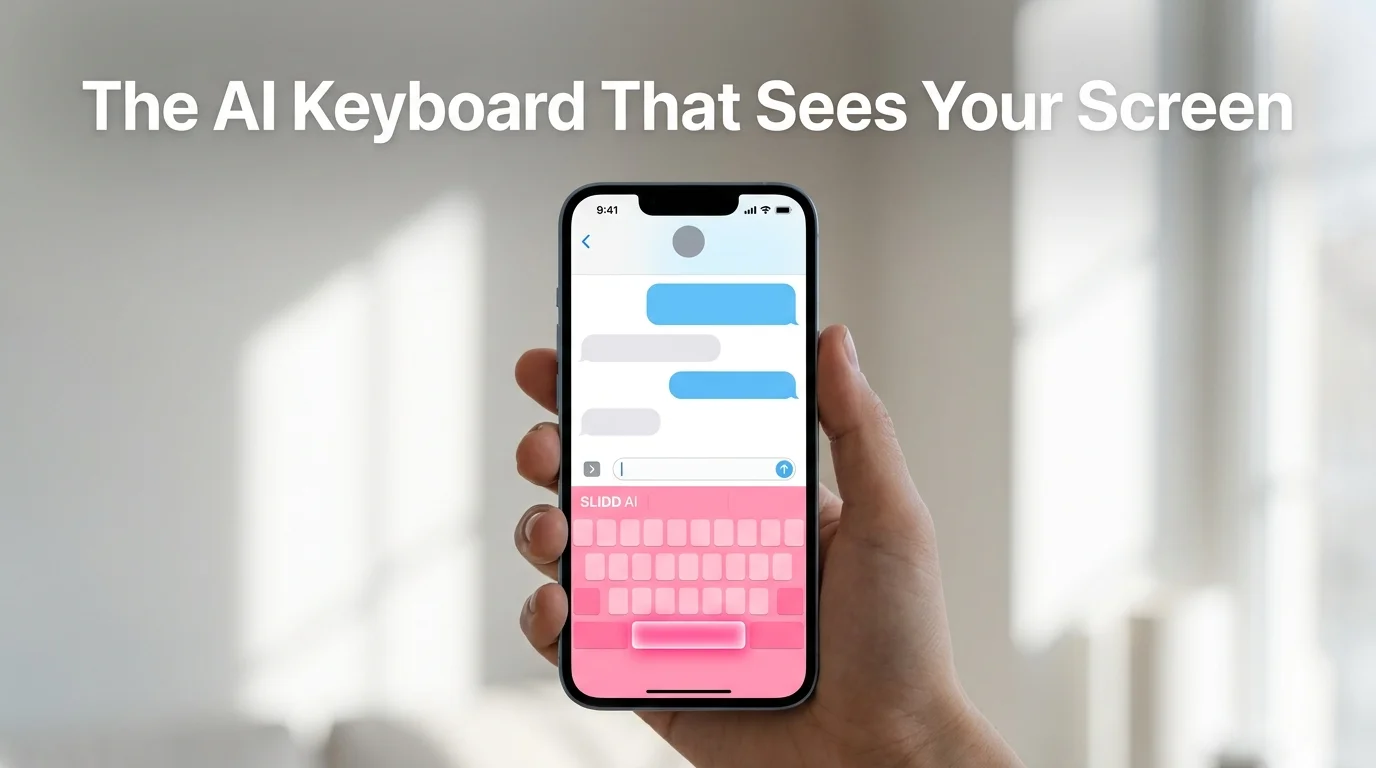
What Is the SLIDD AI Keyboard? | SLIDD
What Is the SLIDD AI Keyboard?
The SLIDD AI keyboard is a system keyboard for iOS that reads whatever's on your phone screen the instant you tap Reply, then writes a dating message in one of five tones without you leaving Hinge, Tinder, Bumble, Instagram, or wherever the conversation is happening. It replaces the screenshot-upload-copy-paste routine every competing AI dating tool still runs on. Eight friction points become one tap.
How Does the SLIDD AI Keyboard Read Your Screen in Real Time?
The SLIDD AI keyboard reads your screen through iOS's ReplayKit, the same screen-broadcast framework built for screen recording, capturing the active frame the instant you tap Reply. A vision-capable model interprets what's visible — her message, her photo, her bio — and a second model writes the reply in your chosen tone before inserting it into the text field.
That single mechanism is the entire premise behind the AI dating keyboard SLIDD created. Everything else in the product — the tones, the cross-app support, the pricing — sits on top of it.
Rizz AI, Keys AI, and YourMove AI can't do this. Their workflow starts with leaving the dating app to take a screenshot, then uploading it somewhere else and waiting for a reply you'll copy back in by hand.
How that read-and-write handoff actually works — the vision pass feeding the reply model, tone applied on top — is covered step by step in how the SLIDD AI keyboard's reply engine actually works.
The Old Way vs. the SLIDD Way
Every screenshot-based competitor runs into the same eight friction points: screenshot, exit the app, open a separate app, upload, wait, copy, switch back, paste. Then, finally, send.
SLIDD's sequence is three steps: tap Reply, pick a tone, send.
 One tap versus eight steps — the architectural gap between SLIDD and screenshot-based tools.
Reality check: By the time a screenshot finishes uploading somewhere else, the moment that made the message worth replying to has usually already passed.
Key Takeaways
- The SLIDD AI keyboard is the only AI dating assistant that lives inside your keyboard, not a separate app — it reads your screen the moment you tap Reply.
- Unlike screenshot-based tools like Rizz AI, Keys AI, and YourMove AI, SLIDD needs no app-switching, no uploading, and no copy-paste.
- Five tone presets — Flirty, Bold, Witty, Sincere, and Casual — let one keyboard match any moment in a conversation.
- It works everywhere you already text: Hinge, Tinder, Bumble, Instagram, WhatsApp, iMessage, Snapchat, and Telegram.
- Screen content is read through iOS ReplayKit, processed immediately, and discarded — nothing is stored or used to train models.
Why SLIDD AI's Keyboard Approach Wins
 The five tone presets inside the SLIDD AI app keyboard, chosen before each reply generates.
A keyboard that can see the screen is only half the product. The other half is knowing which voice to use once it does.
The Five Tones, Explained
SLIDD ships five distinct tone presets instead of the single formal-or-casual toggle most competitors offer:
- Flirty — builds tension, keeps the exchange playful
- Bold — takes the lead without sounding aggressive
- Witty — leans on humor to land a laugh
- Sincere — low-game and emotionally direct for the moments that call for it
- Casual — a normal, no-pressure register for the in-between messages
Custom is the sixth option — describe your own tone in a few words and SLIDD calibrates to it, whether that's "dry humor" or "slightly dominant."
That range matters because a real conversation isn't held in one voice the whole way through. An opener needs Witty or Flirty; "how was your day" wants Casual.
Asking her out calls for Bold. SLIDD switches registers the way a naturally good texter already does without thinking about it.
Worth knowing: Inside the SLIDD AI app, all five tones are visible even on the free tier — locked ones just carry a small badge, so the ceiling is never hidden from view.
A single-tone reply generator forces every message into the same register, which is exactly why competitor replies start to read the same after a few exchanges. Pairing real-time screen reading with five separate tones is what keeps SLIDD's output from sounding like a template — it's also the reason a full SLIDD AI review exists to walk through pricing and feature access in more depth than fits here.
Does the SLIDD AI Keyboard Work in Hinge, Tinder, Bumble, and Instagram?
Yes — the SLIDD AI keyboard works anywhere iOS accepts text input, not just inside dedicated dating apps. It's active in Hinge, Tinder, Bumble, Instagram DMs and Stories, WhatsApp, iMessage, Snapchat, and Telegram, because it's installed as a system keyboard rather than bolted onto one app.
That's the structural gap between SLIDD and Rizz AI or Keys AI, both scoped to a handful of dating apps. A match that starts on Hinge and moves to an Instagram Story reply, then WhatsApp, doesn't lose SLIDD along the way — every one of those transitions is where competitors' users are already back to typing without help.
People search this app by app — slidd ai for hinge, slidd ai for tinder, slidd ai for bumble, slidd ai for instagram — but the answer doesn't change. Reply quality holds steady no matter which one is open when you tap Reply.
Where it's active, grouped by category:
- Dating apps: Hinge, Tinder, Bumble, Coffee Meets Bagel, Plenty of Fish, OkCupid, Match
- Social: Instagram DMs and Stories, Snapchat, TikTok DMs
- Messaging: iMessage, WhatsApp, Telegram, Signal, Discord, Messenger
Is the SLIDD AI Keyboard Safe and Private?
Yes. The SLIDD AI keyboard processes screen content in real time through iOS ReplayKit and discards it immediately after generating a reply. Nothing is stored on SLIDD's servers, used to train models, or tied to a user's identity — it's the same screen-broadcast technology category used for screen recording, running under standard iOS keyboard permissions.
iOS asks for Full Access when you enable any third-party keyboard capable of reading the screen. That's the standard permission every screen-reading keyboard needs, not a SLIDD-specific overreach, and it's disclosed the same way it is for every other iOS keyboard extension.
Get Started with SLIDD AI
Setup takes minutes, not a learning curve: install the keyboard, enable Full Access in iOS Settings, and the next Reply tap is already reading your screen. New accounts get 3 days of unlimited access to every tone before any payment is required — the exact setup steps are in the step-by-step SLIDD AI download guide.
Frequently Asked Questions
What is the SLIDD AI keyboard, exactly?
It's an iOS keyboard extension that reads your screen the moment you tap Reply and writes a dating message based on what's there — her text, her photo, her Story. It works inside Hinge, Tinder, Bumble, Instagram, WhatsApp, and iMessage, with no screenshots or app-switching required.
Do you need Full Access enabled for the SLIDD AI keyboard to work?
Yes, for the screen-reading feature specifically. SLIDD ships with a fallback mode if Full Access is off, so the keyboard still functions, but reading the screen and generating contextual replies requires enabling Full Access in iOS Settings — the standard permission any screen-broadcast keyboard needs.
How much does the SLIDD AI keyboard cost?
New users get a 3-day unlimited free trial — every tone unlocked, no payment required at signup. After that, SLIDD runs on a three-tier pricing model: $6.99/week, $19.99/month (most popular), or $99.99/year (best value). Full pricing and feature access are broken down in the SLIDD AI review.
Does the SLIDD AI keyboard work on Android?
Not yet. SLIDD is iOS-only at launch, live in the US and Canada App Store with an 18+ rating. Android support is on the roadmap, though there's no confirmed release date — the architecture is being built iOS-first before it expands.