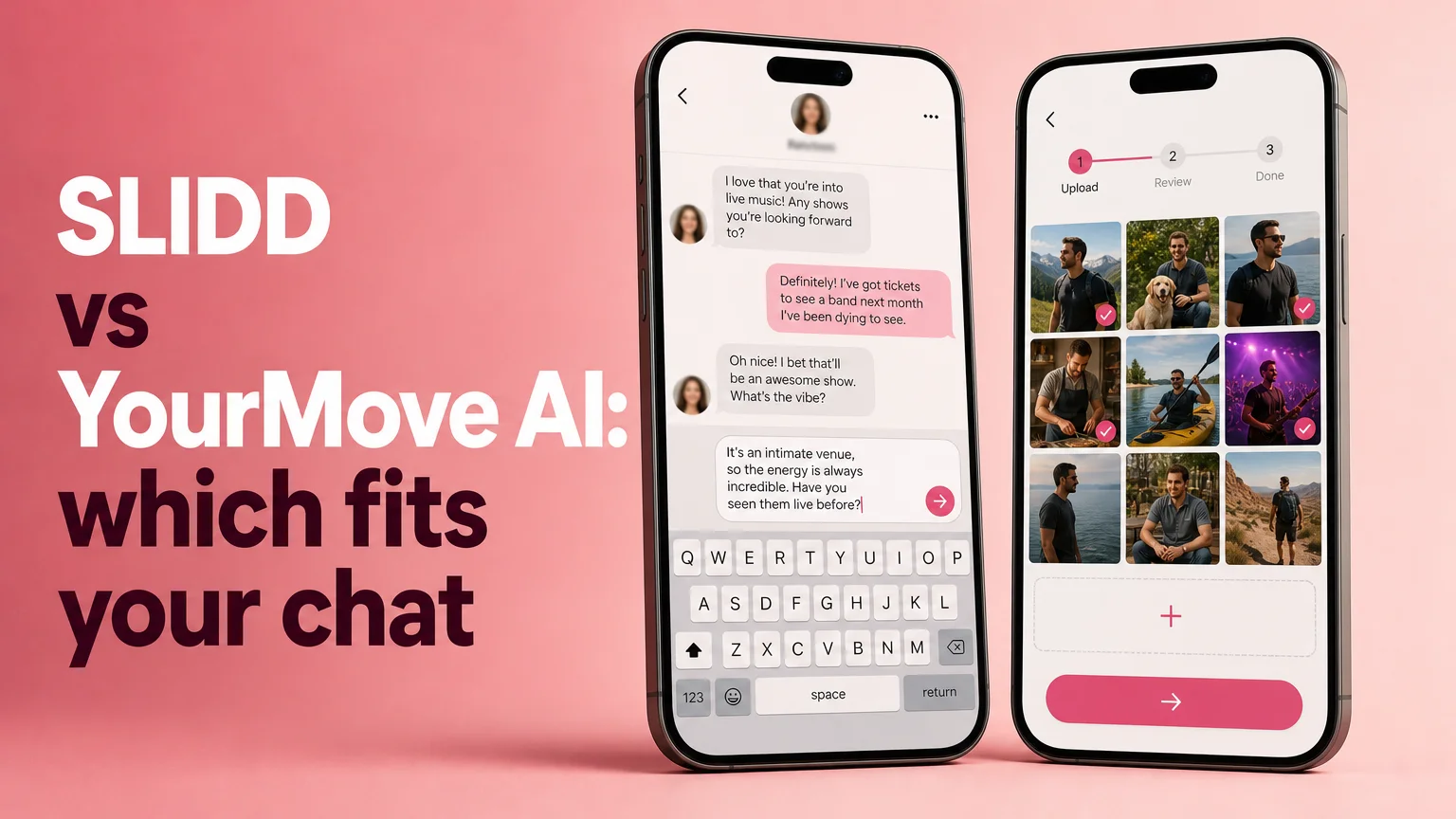
SLIDD AI vs YourMove AI: Which One Fits Your Chat?
SLIDD AI vs YourMove AI: Which One Fits Your Chat?
Eight steps against one tap. That gap is the whole SLIDD AI vs YourMove AI decision, and the rest of this page is the evidence for it. Her message just landed, and the only thing that matters is how fast you can get a good reply back into the chat.
Key Takeaways
- SLIDD AI is an iOS keyboard that reads the dating app screen in place and writes the reply inside the chat. YourMove AI is a screenshot app: capture, leave, upload, copy, paste.
- Every app switch is a chance for the conversation to go cold. That is the real difference between the two, not a feature checklist.
- SLIDD's annual plan works out to about $1.92 a week; YourMove's $9.99 monthly plan works out to about $2.31 a week, and it stops at Hinge and Tinder.
- SLIDD AI is built for men 18-30 in the US and Canada. It is iOS only and rated 18+.
What Is the Main Difference in SLIDD AI vs YourMove AI?
The main difference is where the work happens. SLIDD AI is a keyboard that sits inside Hinge, Tinder, Bumble, Instagram, and WhatsApp, reads the screen when you tap Reply, and types the answer into the message box. YourMove AI is a separate app you have to open and feed a screenshot.
Here is the head-to-head in one table. Every SLIDD figure comes from our product facts; every YourMove figure comes from our YourMove AI review.
| SLIDD AI | YourMove AI | |
|---|---|---|
| Format | iOS keyboard | Standalone app |
| How it reads the chat | Real-time screen reading | Screenshot you upload |
| Steps per reply | 1 tap on Reply | 8 steps |
| Where it works | Any iOS app with a text field | Hinge and Tinder primarily |
| Instagram Stories | Yes | No |
| Tones | Flirty, Bold, Witty, Sincere, Casual + Custom | Limited |
| Free access | 3-day unlimited trial, no payment at signup | Limited free tier |
| Price | $6.99/week, $19.99/month, $99.99/year | $9.99/month |
New to the product? What Is SLIDD AI? covers the keyboard from the ground up.
How Does SLIDD AI's Workflow Compare to YourMove AI's?
SLIDD AI has one decision point: tap Reply. The keyboard reads the visible screen, writes in your chosen tone, and inserts the text into the field. YourMove AI needs eight steps: see the message, screenshot, leave the app, open YourMove, upload, wait, copy, return and paste.
Take a live example. She sends: "lol I bet you say that to all the girls." On the SLIDD side, you switch to the keyboard, tap Reply with Witty selected, and get something like "Only the ones who answer in under a minute. You're on a streak." Send it.
On the YourMove side, that same message sets off the full relay. The AI only sees what was in the screenshot, so anything outside the frame, like her Instagram story, is context it never gets.
 The reply gets written where the conversation already is.
The two workflows, side by side:
- SLIDD AI: see her message, switch to the SLIDD keyboard, tap Reply, send.
- YourMove AI: see her message, take a screenshot, leave the dating app, open YourMove, upload, wait, copy the suggestion, switch back, paste, send.
Reality check: Nothing in the second list is hard. Each step is just another place for the moment to die, and a guy with 30 seconds on the clock does not have eight of them.
SLIDD AI vs YourMove AI: Which Is Faster for a Reply Mid-Conversation?
SLIDD AI is faster for a mid-conversation reply because it removes the trip out of the app. There is no screenshot to capture, no upload to wait on, and no copy-paste back. YourMove AI adds an app switch before and after every suggestion, and that is where the delay builds up.
We are not putting stopwatch numbers on this. We have no measured timings for either product, and invented ones would be worse than none. The step count is the honest comparison: one tap against eight steps, and four of those eight happen outside the dating app.
That matters most in three moments:
- A fresh match. The first message sets the tone, and she is likely still looking at her phone.
- A story reply. Stories expire, and SLIDD reads the story itself, while a screenshot flow can't pull it in live.
- A late-night exchange. Momentum is the whole game, and every detour gives the freeze time to come back.
For the full field beyond these two, SLIDD AI Alternatives compares five competitors on the same workflow lens. If you want the multi-app roundup instead of a single head-to-head, Best Wingman App for Guys is the page.
How Much Does SLIDD AI Cost Compared to YourMove AI?
SLIDD AI costs $6.99 a week, $19.99 a month, or $99.99 a year, after a 3-day unlimited trial with no payment at signup. YourMove AI costs $9.99 a month. Per week, the annual SLIDD plan is the cheapest option of any plan on this page.
 Compare the price per week, not the headline.
The headline numbers hide the real comparison, so here it is normalized to a week:
| Plan | Price | Approx. per week |
|---|---|---|
| SLIDD AI Weekly | $6.99/week | $6.99 |
| SLIDD AI Monthly | $19.99/month | $4.61 |
| SLIDD AI Annual | $99.99/year | $1.92 |
| YourMove AI Monthly | $9.99/month | $2.31 |
Quick math: $99.99 spread over 52 weeks is $1.92. The $9.99 YourMove plan, spread the same way, is $2.31. For about 40 cents less per week, you get a keyboard that works in every iOS app instead of an app that stops at Hinge and Tinder.
The weekly plan is the impulse option, pre-selected at the paywall, built for the night she is mid-conversation. Everything is unlocked on every SLIDD tier: unlimited replies, all five tones, the custom tone builder, and full reply history. The SLIDD AI app page walks through each plan in detail.
Which Dating Apps Does Each One Work In?
SLIDD AI works in every iOS app with a text field, including Hinge, Tinder, Bumble, Coffee Meets Bagel, Instagram DMs and Stories, Snapchat, WhatsApp, iMessage, Telegram, and Discord. YourMove AI covers Hinge and Tinder primarily, and it cannot read Stories or voice notes.
This is the part most compare pages skip, because conversations do not stay put. A match starts on Hinge, moves to Instagram, then WhatsApp, then iMessage. A tool that only works in the first app drops you at the first handoff.
YourMove also offers profile photo scoring and bio rewrites. Those help before the match; they do nothing for the reply you owe her right now. SLIDD is built for that second stage, the live conversation, which is where guys actually stall.
Worth knowing: SLIDD AI is iOS only at launch and rated 18+. It is live in the US and Canada. Android is on the roadmap but not available yet.
Which Should You Choose If You Mostly Use Tinder, Hinge, or Bumble?
Choose SLIDD AI. On Tinder, Hinge, and Bumble alike, it reads the open chat and writes the reply in place, so you never leave the app. YourMove's strengths do not apply once you are already in a conversation, and Bumble is not one of its core supported apps.
Here is how that plays out per app:
- Tinder: Her opener is short and quick. Tap Reply with Bold and you answer before the match cools.
- Hinge: SLIDD reads her prompt and photos in place, so the reply can reference what she actually wrote.
- Bumble: She had to message first, so her line deserves a fast, specific answer, and a keyboard gets there faster than an upload.
- Instagram and WhatsApp: Where the match goes next, SLIDD keeps working. The screenshot relay does not follow.
The verdict is simple. If you want the least friction between her message and your reply, in any app she moves to, SLIDD AI is the pick.
Get Started with SLIDD AI
You have seen the step count and the weekly math. Try the keyboard on a real conversation during the 3-day unlimited trial, with no payment required at signup.
Not ready yet? Get the AI Dating Keyboard and see it work inside your own chats.
FAQ
Is SLIDD AI better than YourMove AI?
For replying inside a live conversation, yes. SLIDD AI is a keyboard that reads your screen and writes the reply in the app, with one tap on Reply. YourMove AI relies on a screenshot upload workflow with eight steps. SLIDD also covers Instagram Stories, WhatsApp, and iMessage, which YourMove does not.
Does SLIDD AI have a free trial?
Yes. Every new user gets 3 days of unlimited access with every tone and unlimited replies, and no payment is required at signup. The clock starts when you create the account. After that you choose weekly at $6.99, monthly at $19.99, or annual at $99.99.
Can YourMove AI read Instagram Stories?
No. YourMove AI only sees the content visible in the screenshot you upload, so Stories, voice notes, and live chat activity are outside its view. SLIDD AI reads the Story on screen when you tap Reply from its keyboard, then writes a reply that fits what she posted.
Does SLIDD AI work on Android?
Not yet. SLIDD AI is iOS only at launch, live in the App Store for the US and Canada with an 18+ rating. Android support is on the roadmap, but there is no release date, so iPhone users are the ones who can use it today.