
Which AI Is Best for Dating? A Practical Comparison
Which AI Is Best for Dating? A Practical Comparison
Ten steps versus one tap. That is the gap between a screenshot-based dating tool and an AI keyboard that sits inside the chat, and it is the number that decides which AI is best for dating once her message is on your screen.
Key Takeaways
- The best AI for dating depends on where the conversation happens: inside the dating app, or in a separate chat window you have to carry messages to.
- Chatbots and screenshot apps need a capture, an upload and a paste. An in-app AI keyboard reads the screen and writes the reply in one tap.
- SLIDD AI works inside Hinge, Tinder, Bumble, Instagram, WhatsApp and iMessage, with five reply tones.
- SLIDD costs $6.99 a week, $19.99 a month or $99.99 a year, after a 3-day unlimited free trial.
Which AI Is Best for Dating Overall?
For writing replies in real conversations, the best AI for dating is one that lives inside the app where you are chatting. SLIDD AI is an iOS keyboard that reads your screen, sees her message or profile, and writes a reply in your chosen tone without you leaving Hinge, Tinder or Instagram.
That answer comes from a simple test, not a ranking. Where does the AI sit when she messages you? If the answer is "in another app," you pay a time tax on every reply, and dating conversations punish delay.
Here is the workflow gap in plain numbers.
| Screenshot or chatbot tool | SLIDD AI keyboard | |
|---|---|---|
| Steps from her message to a sent reply | 10 | 3 (open keyboard, tap Reply, send) |
| Leave the dating app | Yes | No |
| Upload or paste required | Yes | No |
| Reads her photo, bio or story | Only what you upload | What is on screen |
By the numbers: The screenshot workflow is ten steps: see the message, screenshot, leave the app, open the tool, upload, wait, copy, switch back, paste, send. The SLIDD keyboard collapses that into one tap on Reply.
What Are the Main Types of AI for Dating?
AI for dating falls into four types: general chatbots, screenshot-reply apps, matchmaking apps that change who you see, and in-app AI keyboards that write replies where you type. Each solves a different problem, so the right pick starts with whether you need matches or conversations.
Mixing these up is why most "best AI dating app" lists feel confusing. A matchmaker and a reply writer are not competing for the same job.
- General chatbots: you paste her message in as text and ask for ideas. Flexible, but you do the transcribing.
- Screenshot-reply apps: you capture the chat, upload it and copy the result back.
- Matchmaking and companion apps: these change who you meet or simulate conversation. They do not write the message you are about to send her.
- AI dating keyboards: the AI lives in the keyboard, so it reads the live screen and fills the text field for you.
If you want a shortlist of tools by job, the AI dating app finder walks through them. This page is about the decision underneath: which type fits the way you actually chat.
How Do AI Dating Tools Compare on Where They Work?
Where an AI works matters more than how clever it sounds. A tool that only works in its own window forces every conversation through copy-paste, while a system keyboard follows you from Hinge to Instagram to WhatsApp, which is how real matches move.
A match rarely stays in one place. It starts on Hinge, jumps to her Instagram story, then lands in WhatsApp or iMessage. Each hop is a moment where a stalled reply costs you momentum.
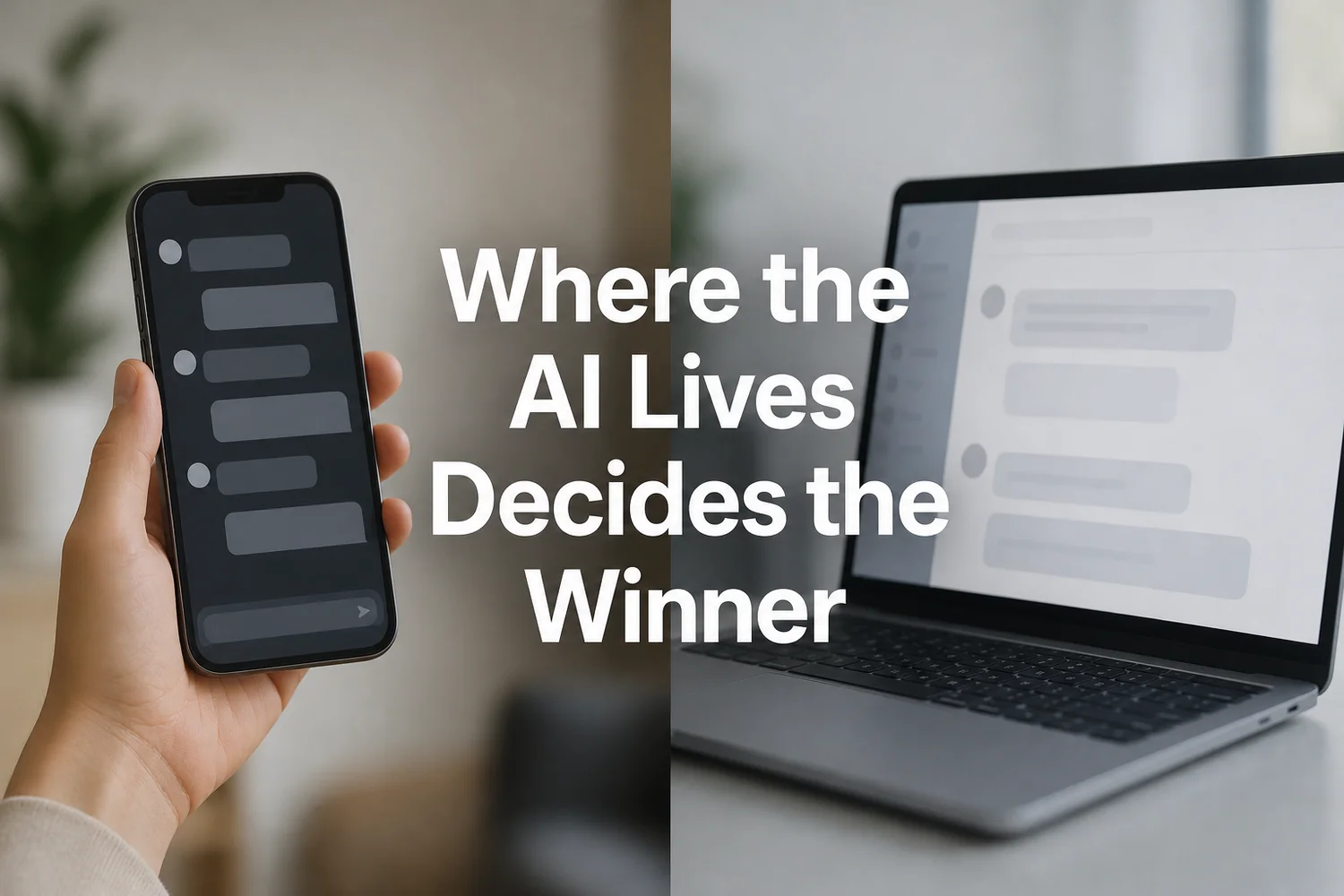 The AI that sits in the keyboard follows the conversation. The AI in a separate window waits for you to bring it one.
Because SLIDD is a system keyboard rather than a dating app, it works anywhere a text field appears. That includes Hinge, Tinder, Bumble, Instagram DMs and Stories, Snapchat, WhatsApp, iMessage, Telegram and Discord. The AI assistant for dating apps page covers the same in-app argument in more depth.
What this means for you: If your chats span more than one app, pick the AI that is not tied to any single one.
How Much Does an AI Dating Assistant Cost Compared With Dating App Upgrades?
SLIDD AI costs $6.99 a week, $19.99 a month or $99.99 a year, and every plan unlocks unlimited replies and all five tones. New users get 3 days of unlimited access first, with no payment required at signup.
The annual plan works out to about $8.33 a month. The weekly plan is for the guy who wants help during one active stretch, and the monthly plan is the middle path.
| Plan | Price | Works out to |
|---|---|---|
| Weekly | $6.99 / week | about $1 a day |
| Monthly | $19.99 / month | about $4.60 a week |
| Annual | $99.99 / year | about $8.33 a month |
Now set that against what many guys already pay to improve dating results. Premium tiers and boost-style upgrades on the big dating apps are priced on their own monthly or weekly schedules, and those prices differ by region and change often. Open each app's store listing and put its number next to the ones above.
The difference is what you get for the money. A premium tier buys visibility, and it promises you a chance. A reply writer gives you the actual message, every time she writes.
Reality check: An upgrade that gets you in front of more people does nothing for the conversation once she answers. Pay for visibility and for replies, and do not assume one covers the other.
 Judge the price by what it gets you per conversation, not by the monthly total.
Which AI Works Inside the App You Are Already Using?
SLIDD AI works inside the app you are already using, because it is a keyboard and not a destination. Switch to it in Hinge, Tinder, Bumble, Instagram, WhatsApp or iMessage, tap Reply, and it reads what is on screen and inserts the reply into the text field.
Here is the whole flow. Open the chat, switch to the SLIDD keyboard, tap Reply, then send. Nothing is copied and nothing is uploaded by hand.
That also covers things a chatbot cannot see. Open her Instagram Story, tap the reply field, and SLIDD reads the story itself before it writes. If you want proof for a specific app, does SLIDD AI work on Tinder shows the flow end to end.
SLIDD processes screen content in real time and discards it. Conversations are not stored or used for model training.
- Dating apps: Hinge, Tinder, Bumble, Coffee Meets Bagel, Plenty of Fish, OkCupid, Match
- Social: Instagram DMs and Stories, Snapchat, TikTok DMs
- Messaging: iMessage, WhatsApp, Telegram, Signal, Discord, Messenger
SLIDD is iOS-only for now, with Android on the roadmap. If you are on Android today, this is not the tool yet.
Is an AI Dating Keyboard Better Than a Chatbot for Replies?
For replying inside a live conversation, yes. A keyboard sees what you see and writes into the field, while a chatbot only knows what you type in. A chatbot is still handy for thinking out loud, but it adds steps at the exact moment speed matters.
Take a real moment. She writes, "lol I bet you say that to all the girls." A chatbot needs you to retype that, explain the context and ask. The keyboard reads the screen and returns a line like: "Only the ones who can keep up. Still deciding about you."
Tone is the other gap. SLIDD gives you five presets, Flirty, Bold, Witty, Sincere and Casual, plus a custom tone you describe yourself. A general chatbot defaults to polite and safe unless you prompt it every time.
For a tone-by-tone look at what comes out, read our deep dive on the best AI for dating replies. And if you want to know what other guys say they need from these tools, what Reddit users want from an AI dating assistant collects it.
Which AI Is Best for Dating If You Want Real Conversations?
Choose the AI that matches where your conversations happen. If they happen inside Hinge, Tinder, Bumble, Instagram or iMessage on an iPhone, choose an in-app AI keyboard like SLIDD AI. If you only want to brainstorm ideas, a general chatbot is enough.
Run these four checks before you commit to any tool:
- Where does it work? In your app, or in its own window.
- How many steps per reply? Count them. Ten is too many.
- Can you control the tone? Different chats need different registers.
- What does it cost per week of real use? Compare it to what you already spend.
 The pick is the AI that is already in the chat when she writes.
On those four checks SLIDD is the pick for anyone who wants reply help inside real conversations. Two things worth keeping in mind as AI-written messages get more common: the line still has to sound like you, which is what the tone presets and custom tone are for, and you stay in control because you read it before you hit send.
Get Started with SLIDD AI
You now have the test: pick the AI that lives where the conversation does. SLIDD AI gives you 3 days of unlimited replies with no payment at signup, so you can try it on a real match before you decide.
FAQ
Which AI is best for dating?
For writing replies, the best AI for dating works inside the app where you chat. SLIDD AI is an iOS keyboard that reads your screen and writes the reply in your chosen tone, so you skip screenshots, uploads and copy-paste. For brainstorming only, a general chatbot also works.
What is SLIDD AI?
SLIDD AI is an iOS keyboard that reads your screen live and writes dating replies for you. It works in Hinge, Tinder, Bumble, Instagram, WhatsApp, iMessage and other apps. Tap Reply on the keyboard, and it generates a message in Flirty, Bold, Witty, Sincere or Casual tone.
Is SLIDD AI free?
SLIDD starts with a 3-day unlimited free trial, with every tone and unlimited replies, and no payment at signup. Afterward you choose Weekly at $6.99, Monthly at $19.99 or Annual at $99.99. Every paid plan unlocks unlimited replies, all five tones and the custom tone builder.
Can I use ChatGPT or another chatbot for dating replies?
You can, but a chatbot cannot see your screen, so you retype messages and paste the answer back. It also tends toward safe, generic wording. A keyboard built for dating reads the chat itself and offers tone presets, which makes it faster for live conversations.
Does an AI dating assistant work on Android?
Not yet. SLIDD AI is iOS-only for now, available on the App Store in the US and Canada, with Android on the roadmap. Until then, Android users can use a general chatbot, though it cannot read the screen. The app is rated 18+.