Huzz AI Review: Features, Pricing & How It Works
Huzz AI Review: Features, Pricing & How It Really Works
Huzz AI's own App Store listing lists exactly three steps to a reply: use the keyboard, set a spice level, generate. Spend an afternoon actually running conversations through it and a fourth, unlisted step shows up — the one where you leave the app to make any of it work for a photo, a profile, or a Story.
Key Takeaways
- Huzz AI ("Ultimate Wingman") pairs a "rizz keyboard" for quick text replies with a full app for screenshot-based chat, profile, and photo analysis across Tinder, Hinge, Bumble, Snapchat, Instagram, iMessage, and WhatsApp.
- Huzz's own instructions and store listings market the screenshot-and-analyze path as the way to get a fully contextual reply — for anything visual, you still exit, upload, wait, copy, and paste back.
- Pricing runs $9.99–$14.99/week, $14.99/month, or $59.99/year, and multiple reviewers report the "free" framing feels misleading once the paywall hits.
- SLIDD AI reads the entire screen in real time — text, photo, profile, Story — the moment you tap Reply, with no screenshot step for any content type.
- For guys managing a live conversation across two or three apps at once, that one remaining gap — Huzz's screenshot loop versus SLIDD's single tap — decides whether the reply lands before the moment passes.
Contents
- What Is Huzz AI?
- How Does Huzz AI Work?
- What Are Huzz AI's Key Features?
- Does Huzz AI Require Screenshots for Every Reply?
- Why SLIDD's Architecture Wins — The Keyboard That Sees Your Screen
- Huzz AI vs SLIDD: How Do They Actually Compare?
- Is Huzz AI Worth the Price?
- What Are the Downsides of Huzz AI?
- Get Started with SLIDD AI
- Frequently Asked Questions
What Is Huzz AI?
Huzz AI — full name "Huzz AI: Ultimate Wingman" — is a dating reply app that generates AI-written messages for Tinder, Hinge, Bumble, and similar platforms. It ranks as the top result for its own name, holds a 4.8-star rating across 1,771 reviews on Google Play, and markets itself around a "rizz keyboard" plus an in-app chat analysis tool.
The pitch is familiar: dry conversation, no idea what to send, an AI that writes it for you. Where Huzz gets interesting is in the gap between what its keyboard promises and what its screenshot-driven marketing actually describes.
 Huzz AI splits its workflow across two tools — a keyboard for quick replies and a separate app for anything visual.
Who Makes Huzz AI
Huzz AI is published under Scaffidi Management Pty Ltd and sits in the same competitor set as Wing AI, Keys AI, and Rizz AI — apps built to solve "reply anxiety" through AI-generated dating messages. A separate, unrelated app called Huzz Pro also exists in the App Store, which occasionally causes confusion during searches.
How Does Huzz AI Work?
Huzz AI's own instructions describe three steps: open the rizz keyboard, set a spice level, and generate a reply — with a fourth step, chat analysis, handled inside the main app rather than the keyboard. For a quick, typed reply, the keyboard can work directly. For anything involving a photo, bio, or profile card, the workflow routes back through the full app.
That routing matters more than it sounds. Dating conversations aren't just text — they're photos, Hinge prompt cards, and Instagram Stories, and those are exactly the moments a screenshot-based tool struggles with.
The Screenshot Path, Step by Step
Third-party listings for Huzz AI describe the deeper feature — chat, profile, and photo analysis — this way:
- See her message, photo, or Story in the dating app
- Take a screenshot
- Exit the dating app
- Open Huzz AI
- Upload the screenshot
- Wait for the analysis to process
- Copy the generated reply
- Switch back to the dating app and paste
Reality check: Huzz's own marketing calls it a tool that "turns screenshots into dates." That phrase is honest — the deepest, most contextual replies still route through an upload-and-wait loop, even with the keyboard installed.
What Are Huzz AI's Key Features?
Huzz AI offers a rizz keyboard for fast text replies, spice-level tone sliders, chat analysis to gauge a match's interest, and support across Tinder, Hinge, Bumble, Snapchat, Instagram, iMessage, and WhatsApp. The feature list is broad — the depth of any single feature depends on which path (keyboard or full app) generates the reply.
Core features include:
- Rizz keyboard — a system keyboard for typing prompts and inserting AI replies without opening the main app
- Spice levels — adjustable tone intensity, shown as chili icons rather than named presets
- Chat analysis — a full-app feature that reviews a screenshot or thread to judge mutual interest
- Cross-platform reach — Tinder, Hinge, Bumble, Snapchat, Instagram, iMessage, WhatsApp
Compare that to SLIDD's five named tones — Flirty, Bold, Witty, Sincere, Casual, plus a custom option — versus spice-level sliders that don't map to a specific voice. A guy switching from a playful Hinge opener to a sincere late-night reply needs a register change, not just a volume knob.
Worth knowing: "Spice level" changes how intense a reply sounds. It doesn't change whether the reply sounds witty, sincere, or bold — three registers a single intensity dial can't fake.
Does Huzz AI Require Screenshots for Every Reply?
Not for a fast, typed reply through the keyboard — but for the app's flagship feature, chat and photo analysis, yes. Huzz's own three-step instructions and its App Store description ("upload any chat or profile and get the perfect response") both point to the screenshot-upload loop as the path to a fully contextual reply.
This is the honest nuance most reviews skip. Huzz didn't ignore the friction problem — it built a keyboard to shortcut part of it. But the keyboard handles typed text; it doesn't visually read her photo, her Hinge prompt, or her Instagram Story the way a screen-capture tool would.
- Typed message, quick reply needed → keyboard can generate directly
- Photo, bio, or Story context needed → screenshot, upload, wait, copy, paste
- Full interest analysis → routes through the main app, not the keyboard
That split means the app's most-marketed feature — reading the full picture of a conversation — is also the one still gated behind the old workflow.
Why SLIDD's Architecture Wins — The Keyboard That Sees Your Screen
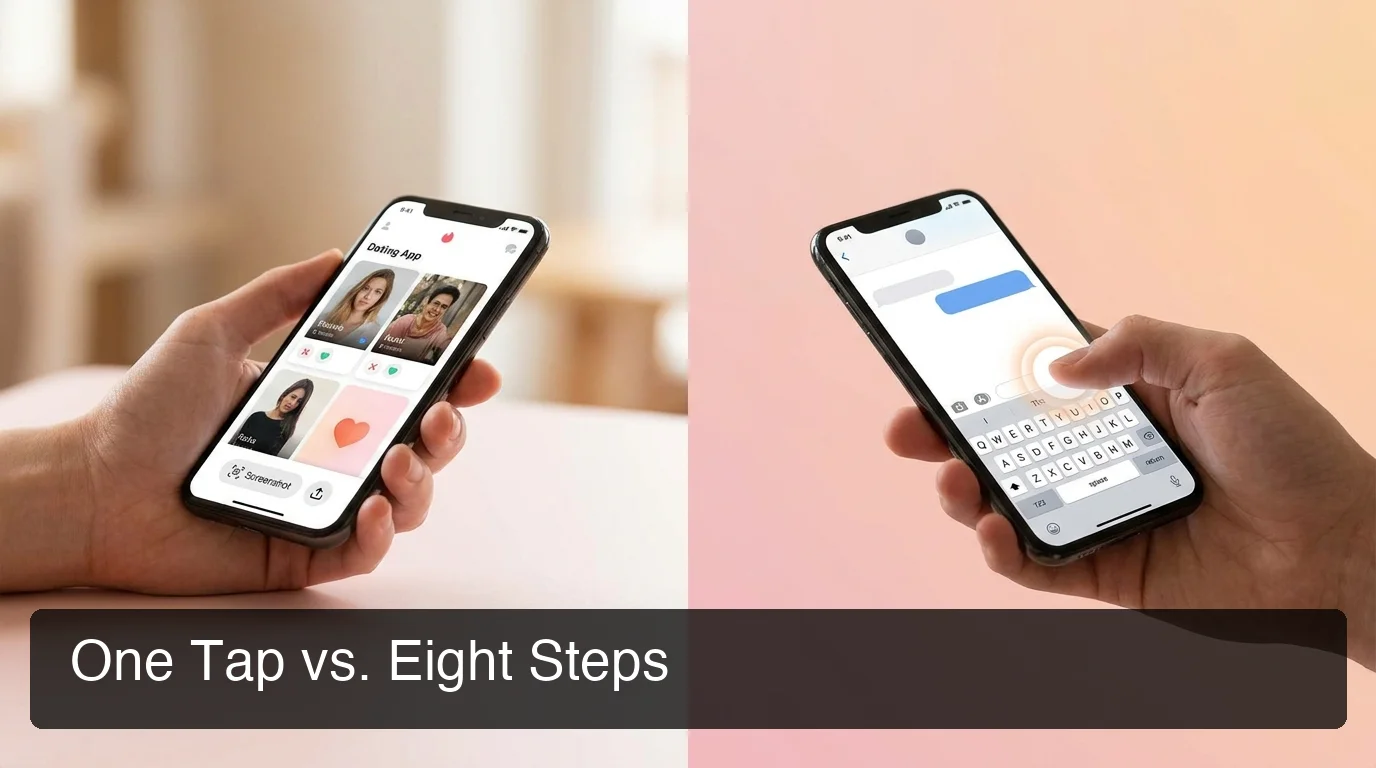
 Eight steps stand between her message and a sent reply on a screenshot-based app — even one with a keyboard shortcut attached.
SLIDD AI closes the exact gap Huzz's keyboard leaves open: it reads the entire visible screen — text, photo, profile, Story — the instant you tap Reply, with no upload step for any content type. There's no split between "quick keyboard replies" and "real analysis in the app." One tool, one tap, every content type included.
SLIDD uses iOS screen broadcast (ReplayKit) to capture the live screen the moment you tap Reply inside the SLIDD keyboard. A vision-capable model reads whatever's on screen — her message thread, her photo, her Story overlay, her Hinge prompt card — and a second pass writes the reply in your chosen tone before inserting it directly into the text field.
That's the structural difference. Huzz's keyboard reads typed text; SLIDD's keyboard reads the screen. When the moment involves an image instead of a sentence — which, on Hinge and Instagram, is often — that difference is the entire game.
Huzz AI vs SLIDD: How Do They Actually Compare?
Huzz AI and SLIDD both promise faster dating replies, but only SLIDD reads the full screen — photos, profiles, and Stories included — without ever leaving the conversation. Huzz's keyboard covers typed text; everything else still funnels through its screenshot-analysis app.
| Capability | Huzz AI | SLIDD AI |
|---|---|---|
| Reads typed messages via keyboard | ✅ | ✅ |
| Reads photos/profiles/Stories in real time | ❌ (screenshot required) | ✅ |
| Works without leaving the dating app | Partial (keyboard only) | ✅ Fully |
| Named tone presets | ❌ (spice-level slider) | ✅ 5 tones + custom |
| Instagram Stories support | Listed, screenshot-based | ✅ Real-time |
| Starting price | $9.99–$14.99/week | $6.99/week |
| Free trial | Limited, paywalled quickly per reviews | 3 days unlimited, no payment at signup |
 Architecture, not tone quality, is where the real gap between these tools shows up.
The same pattern shows up across the category. Tools branded around AI rizz and the broader rizz generator space lean on the same screenshot-first assumption, and the AI DM generator category shares the same architectural ceiling — a tool bolted onto a conversation instead of living inside it.
The short version: Huzz gets partial credit for the keyboard. SLIDD gets full credit because the keyboard is the entire product, not a shortcut bolted onto a screenshot tool.
Is Huzz AI Worth the Price?
Huzz AI is worth trying for guys who only need quick, typed replies and don't mind occasionally routing photo or profile context through the full app. At $9.99–$14.99 per week, it costs more than most dating-app premium tiers already in a user's budget, and several reviewers describe the free-tier framing as misleading once the paywall appears.
One Google Play reviewer put it bluntly: "You have to pay 10 dollars a week or 60 a year! Said it was free but isn't!" That complaint tracks with the App Store pricing structure — a female-specific weekly tier at $9.99, a standard weekly tier as high as $14.99, and a $59.99 annual plan.
By comparison, SLIDD starts at $6.99/week, with a genuine 3-day unlimited trial that requires no payment at signup — every tone, every app, unlimited replies, before any card is charged.
 The reply lands in the text field the moment you tap — no second app, no waiting screen.
What Are the Downsides of Huzz AI?
Huzz AI's main downsides are the split workflow (keyboard for text, app for anything visual), pricing above most competitors, and a free-tier framing several users call misleading. None of these are dealbreakers on their own — together, they add friction back into a product built to remove it.
- The keyboard doesn't visually read photos, profiles, or Stories — those still need a screenshot
- Weekly pricing runs $3–$8 above SLIDD's $6.99/week starting tier
- "Free" marketing doesn't match the paywall experience reviewers describe
- Two separately-listed apps (Huzz AI and Huzz Pro) create search confusion
- Tone control is a single spice-level slider, not distinct named voices
For a guy managing multiple live conversations — one on Hinge, one that moved to Instagram Stories, one that's now on iMessage — the app-switching that's supposed to be solved reappears the moment a photo enters the chat.
Get Started with SLIDD AI
If the appeal of Huzz AI is the keyboard shortcut and the letdown is everything still routed through screenshots, SLIDD AI is built for exactly that gap. It reads your entire screen — text, photo, profile, Story — the moment you tap Reply, in any app, with no upload step ever.
Looking for a dating keyboard alternative that doesn't split its own workflow in half? Get the AI Dating Keyboard — 3 days unlimited, no payment required at signup.
Frequently Asked Questions
What is Huzz AI? Huzz AI, listed as "Huzz AI: Ultimate Wingman," is a dating reply app combining a "rizz keyboard" for quick typed replies with a full app for screenshot-based chat, profile, and photo analysis. It supports Tinder, Hinge, Bumble, Snapchat, Instagram, iMessage, and WhatsApp, with spice-level tone control.
Does Huzz AI require screenshots? Not for basic typed replies through its keyboard, but yes for its flagship chat and photo analysis feature. Huzz's own instructions and store listings describe uploading a screenshot to get a fully contextual reply — the keyboard shortcuts typed text, not visual content like photos or Stories.
How much does Huzz AI cost? Huzz AI's listed pricing runs $9.99–$14.99 per week, $14.99 per month, or $59.99 per year, depending on the tier shown at purchase. Several reviewers report the app's "free" framing feels misleading once the subscription paywall appears during use.
What is SLIDD AI? SLIDD AI is an iOS keyboard that captures whatever's visible on screen — a message, a photo, a profile, a Story — the moment you tap Reply, and writes a reply in your chosen tone with no screenshot involved. It works inside Hinge, Tinder, Bumble, Instagram, WhatsApp, and iMessage.
How does Huzz AI compare to SLIDD? Huzz's keyboard handles typed replies, but photos, profiles, and Stories still route through a screenshot-upload feature in its main app. SLIDD reads the full screen — every content type — in real time from inside the keyboard itself, so nothing gets routed anywhere else.
Is Huzz AI worth the price? It depends on how often replies need visual context. For guys who mostly send quick typed messages, the keyboard alone may be enough. For anyone replying to photos, Stories, or profile prompts regularly, the $9.99–$14.99/week cost buys a workflow that still detours through screenshots.
Which AI dating assistant is better: Huzz or SLIDD? For pure typed-text replies, both apps perform a similar job. For anything visual — a photo, a Story, a Hinge prompt — SLIDD wins by architecture: it reads the whole screen in real time for $6.99/week, while Huzz's deeper analysis still requires a screenshot at $9.99–$14.99/week.